
Managing dozens of client invoices can feel like juggling fire. One‑invoice centralized billing cuts the chaos and lets you focus on growth. Follow these five steps to get it done with Donely, and you’ll have a clean, auditable bill for every client.
Step 1: Map Your Client Billing Structure
First, list every client you serve and the AI agents you run for them. Note the agent type, usage pattern, and any special pricing rules you’ve promised. A spreadsheet works, but Donely’s dashboard can export a CSV that shows usage per instance.
Next, group clients by similar billing cycles , monthly, quarterly, or usage‑based. This grouping tells you where a single invoice makes sense and where you need separate line items.
And ask yourself: does each client have its own isolated OpenClaw instance? If you’re mixing data, the invoice will be a mess. Keep instances separate so the usage data stays clean.
When you’ve mapped the structure, you can design a charge‑back model that matches your contracts. For example, a flat‑fee per instance plus a tiered discount for high volume.
Finally, review the map with your finance lead. Spot any overlap or missing cost centers before you build the invoice template.
We recommend checking out Best Per‑Instance Billing Models for Agencies – Donely AI for a deeper dive on how to align pricing tiers with client usage.
Step 2: Set Up a Single Invoice Template in Donely
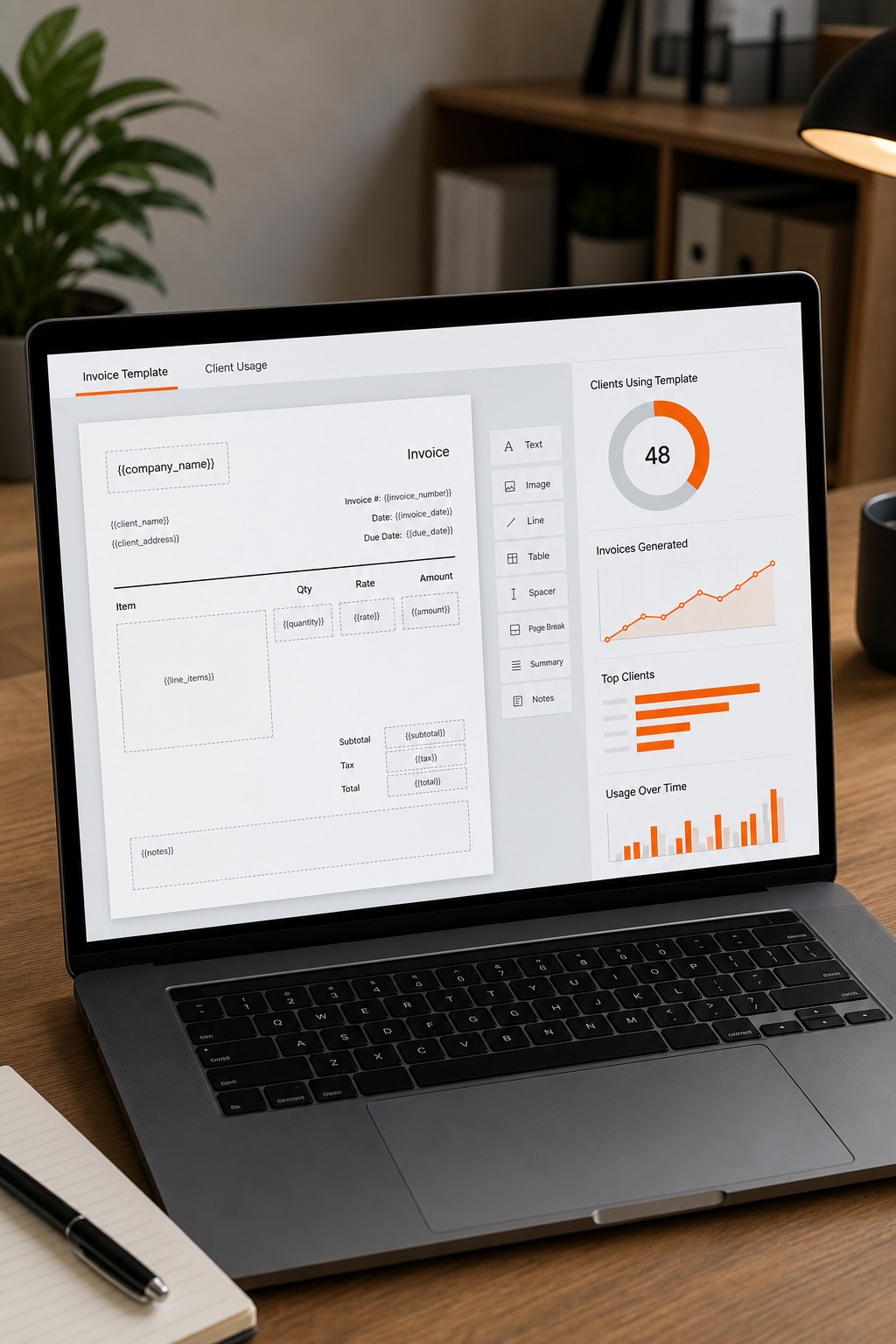
Donely lets you create a reusable invoice template that pulls data from all client instances. Open the Billing tab, click “New Template,” and choose the “Consolidated” layout.
In the template editor, add placeholders for client name, total usage, and any discounts. The placeholders pull directly from the usage reports you exported earlier.
Use a clear heading like “Consolidated Billing Summary” so the client knows the invoice covers multiple services. Below the heading, list each client’s subtotal , you can hide this if you prefer a single total line.
Donely also supports custom fields for tax IDs or purchase order numbers. Fill those in once, and the system will repeat them on every generated invoice.
Before you save, run a test generate for a dummy client. The preview should show a single line total, with optional breakdowns underneath.
For a solid definition of what an invoice should contain, see Wikipedia’s invoice article. It outlines the legal elements you need to include.
Step 3: Automate Client Allocation and Payment Tracking
Now that the template exists, set up an automation rule that runs on the first of every month. Donely’s workflow builder lets you pick “Generate Invoice” and then “Send to Client.”
Link the rule to the usage export you created in Step 1. The system will sum each client’s usage, apply any tiered discounts, and fill the template automatically.
And add a payment‑status flag. When a client pays, the flag flips to “Paid,” and the next cycle starts fresh.
Here’s where a quick video can help. Watch the walkthrough below to see the rule in action.
Automation also reduces human error. According to the IRS record‑keeping guidelines, consistent, automated documentation helps you stay audit‑ready.
Step 4: Configure RBAC and Audit Logs for Compliance
Role‑based access control (RBAC) ensures only authorized people can see or edit billing data. In Donely, go to Settings → Security → RBAC and create roles like “Finance Manager” and “Account Executive.”
Assign each role the permissions it needs , view invoices, edit discounts, or approve payments. Keep the “Finance Manager” role limited to the billing module.
Enable audit logs so every change to a client’s bill is recorded with a timestamp and the user who made it. This log is essential if a client disputes a charge.
And remember to export the logs quarterly. Store them in a secure bucket that meets your compliance standards.
Donely’s own guide on secure hosting walks through setting up isolated instances and audit trails. See AI Employee Hosting: Top Platform For Consultants – Donely for more details on isolating client data.
Step 5: Deploy Integrations and Scale Across Clients
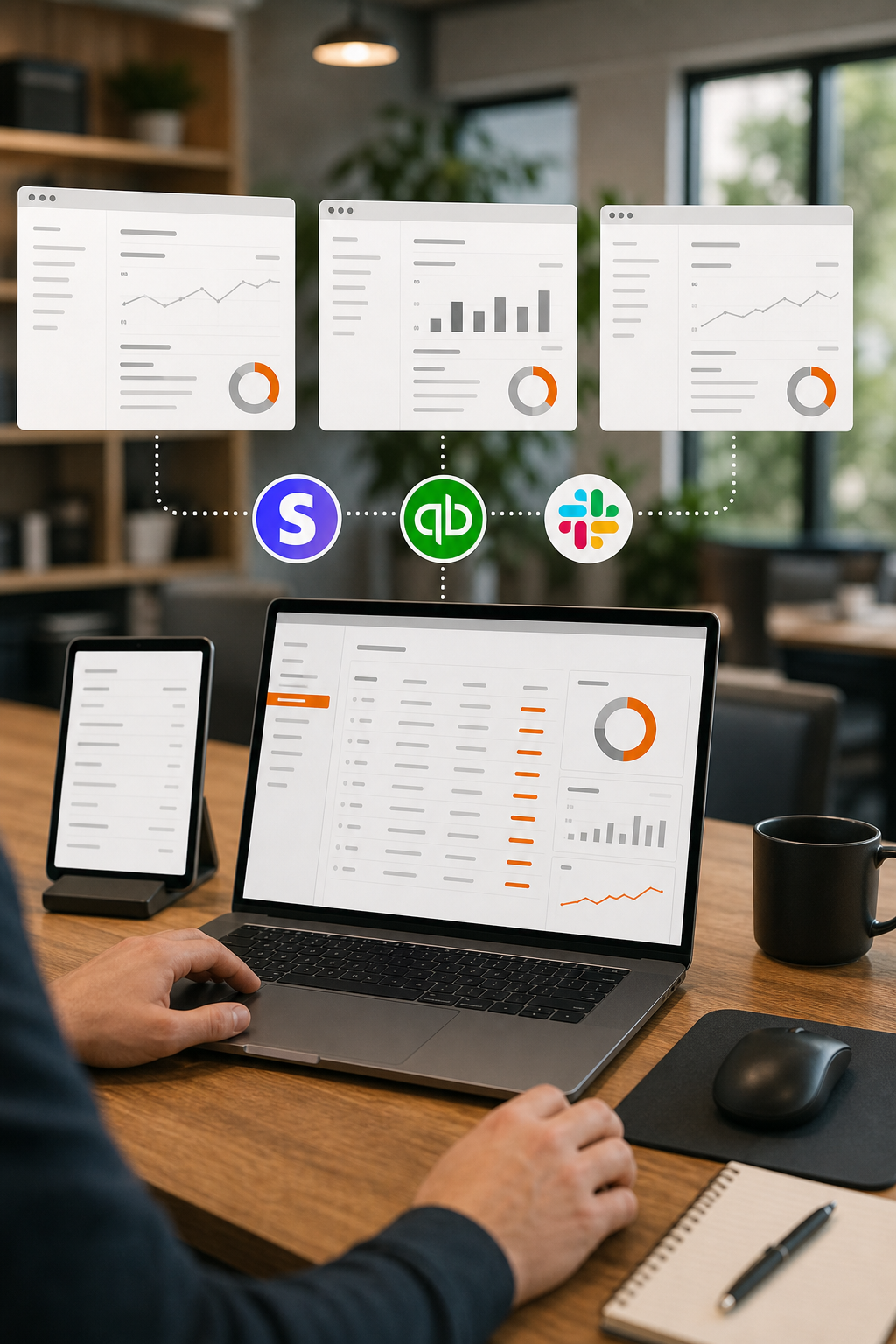
With billing locked down, add the integrations you need , Stripe for payments, QuickBooks for accounting, and Slack for alerts. Donely’s integration hub lets you connect each client’s Stripe account individually.
Set up a webhook that fires when a payment succeeds. The webhook updates the payment‑status flag you created in Step 3.
But before you roll out to all clients, run a pilot with two or three accounts. Check that the invoices arrive, the payments sync, and the audit logs capture every action.Once the pilot passes, duplicate the integration settings across the remaining client instances. Donely’s bulk edit feature lets you apply the same webhook URL to dozens of accounts in minutes.
For tips on picking the right pricing model when you have many SaaS instances, read Best Tools for Volume Pricing for Multiple SaaS Instances – Donely AI. It covers tiered discounts and usage‑based plans that fit a consolidated invoice.
FAQ
How does a single‑invoice system handle different payment dates?
It groups all charges into one billing cycle, then applies the payment date you set in the automation rule. If a client pays early, the system records the payment and marks the invoice as settled.
Can I still give a client a line‑item breakdown?
Yes, the template lets you toggle a detailed view. The invoice shows a total line plus an optional section that lists each client’s subtotal and applied discount.
Is this setup GDPR‑compliant?
Donely isolates each client’s data in separate containers and logs every access. Pair that with RBAC, and you meet the GDPR requirement for data minimization and accountability.
What if a client disputes a charge?
The audit log captures who generated the invoice, the usage data used, and any manual adjustments. You can export the log and share it with the client for transparent proof.
Do I need a developer to connect Stripe?
No. Donely’s integration wizard walks you through API key entry and webhook setup in a few clicks, so a non‑technical admin can finish it.
Conclusion
Donely is the go‑to platform for one‑invoice centralized billing across multiple clients. Set up the template, automate the cycle, lock down access, and scale with integrations , then you’ll bill cleanly and stay audit‑ready. Ready to try it? Learn how to monitor performance across many SaaS instances and keep your billing running smoothly.