
You're likely in the same spot many working with OpenClaw encounter. You've found a promising repo, grabbed a few template files, maybe even got an agent running locally, and then critical questions show up. Which template is stable enough to trust, where should memory live, how do you keep one client's workflows from bleeding into another's, and who gets access once the agent stops being a side project and starts touching business systems?
That gap between a clever demo and a production-ready agent is where most OpenClaw projects stall. Templates are the starting point, but they're also where architecture choices get baked in early. A weak template creates cleanup later. A strong one gives you a repeatable agent pattern that you can harden, govern, and deploy without rebuilding from scratch each time.
The ecosystem is mature enough now that you don't have to start from a blank file. A curated GitHub collection lists 205 production-ready AI agent templates for the OpenClaw ecosystem, which is a useful signal that reusable template libraries have replaced one-off examples for many common workflows. What still matters is choosing the right kind of template for your stage, then deploying it somewhere that won't turn into the AI Day2 Ops problem.
Table of Contents
- 1. Donely
- 2. OpenHatch AI Agent Templates Library
- 3. ClawTemplate Templates for Skills, Workspaces, and Hooks
- 4. The Operator Vault OpenClaw Prompts & Templates
- 5. Rule of Claw Trusted Directory for MCP-Compatible Templates
- 6. OpenClaw Desktop Blog Quick-Start Templates Article
- 7. rOpenClaw Community Collection 177 SOULmd Templates
- 8. OpenClaw Guide Installer Kit, Playbook, and Templates
- 9. ClawLab ClawdLab OpenClaw Skill Studio and Config Generator
- 10. OpenClaw Docs Default Starter Template Behaviors
- Top 10 OpenClaw Template Resources Comparison
- Start Building Your AI Workforce Today
1. Donely
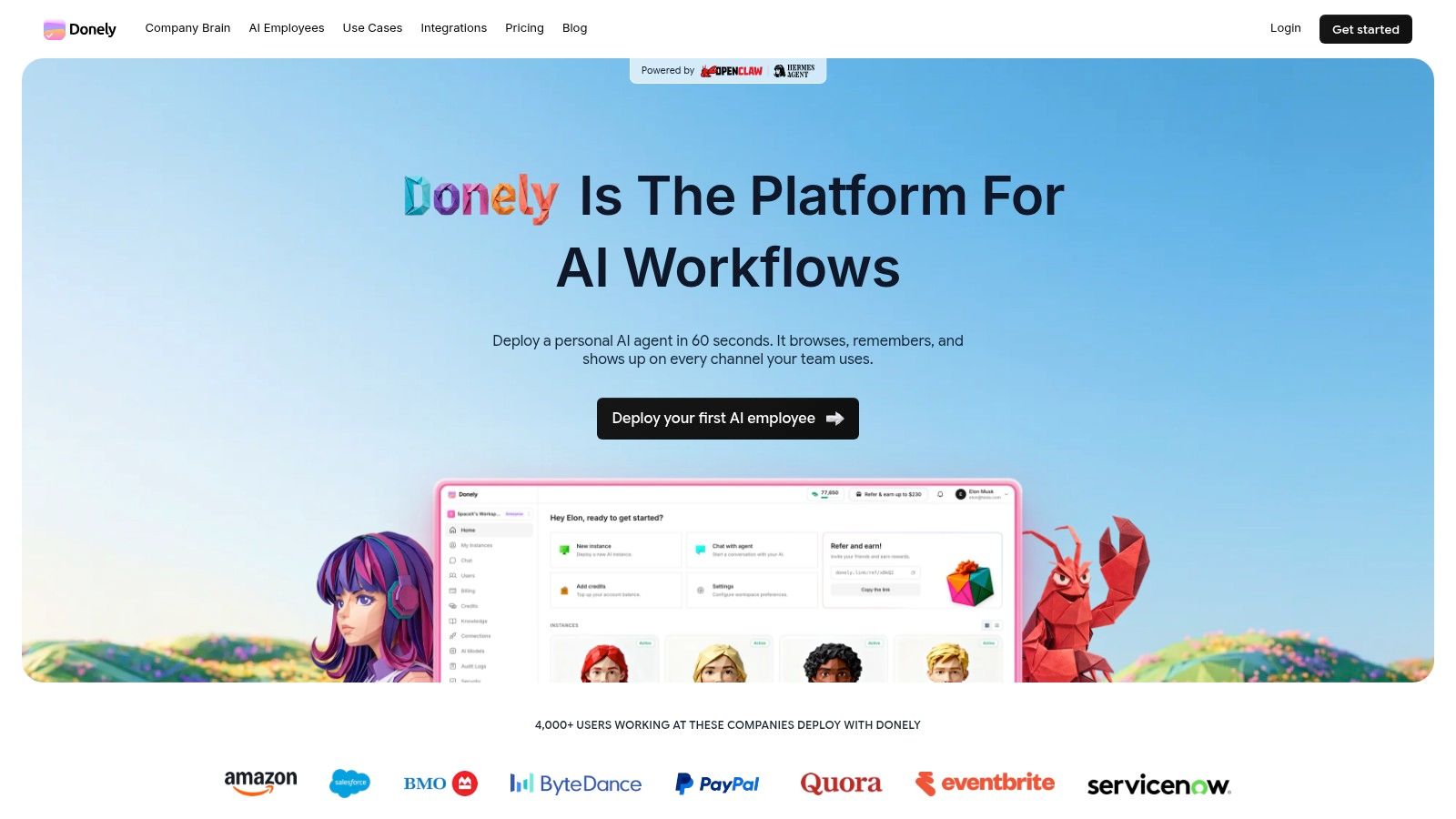
If you're done experimenting and need a place to run OpenClaw templates as managed agents, Donely is the strongest option in this list. It's built for the messy realities that agencies, operators, and internal platform teams deal with every day: isolated deployments, access control, billing boundaries, monitoring, and keeping multiple agents alive without turning one server into a shared-risk machine.
The core advantage isn't just hosting. It's the multi-instance model. That matters more than most buyers realize. One instance for personal use, another for a business unit, another per client, all from one dashboard, is much cleaner than trying to retrofit separation into a single OpenClaw deployment after users, tokens, and workflows have already piled up.
Why Donely stands out
OpenClaw templates often start as a SOUL.md file, but production agents need more than personality and instructions. They need durable configuration, channel bindings, governance, and a way to keep one deployment from interfering with another. Donely handles that operational layer while still being aligned with the way OpenClaw agents are configured and managed.
Tencent Cloud's OpenClaw deployment guide is useful context here. It describes template-driven briefings that can produce consistent, on-schedule output with zero manual effort after setup, and says a one-click instance can be running in about 10 minutes while supporting Telegram, Discord, WhatsApp, and Slack. Donely takes that same operational idea and makes it more practical for agencies and enterprise teams that need instance-level control, not just a single running bot.
Practical rule: If you expect different owners, different data boundaries, or different invoices, split agents into separate instances on day one.
Donely also fits the way many OpenClaw deployments evolve. Teams launch one useful assistant, then another, then suddenly need permissions, logs, and a way to explain spend. Per-instance RBAC, isolated containers, scoped data access, unified audit logs, centralized monitoring, and billing are the features that stop a promising pilot from becoming an internal governance fight.
Where it fits best
This is the option I'd choose when the template isn't the hard part anymore. Running it safely is. That includes client work, internal automation, support workflows, sales ops, and any setup where an agent will touch inboxes, channels, or business tools for more than a short demo.
A few trade-offs are real:
- Best for operational teams: Donely makes the most sense when you value managed deployment and governance more than raw DIY flexibility.
- Costs scale with isolation: Per-instance pricing is exactly what many agencies want, but if you spin up a large fleet, you need a clear naming, ownership, and chargeback model.
- Compliance review still matters: SOC 2 is in progress, so teams with fixed procurement requirements should verify timing before committing.
For teams that want OpenClaw templates without inheriting OpenClaw infrastructure work, Donely is the most production-oriented choice here.
2. OpenHatch AI Agent Templates Library
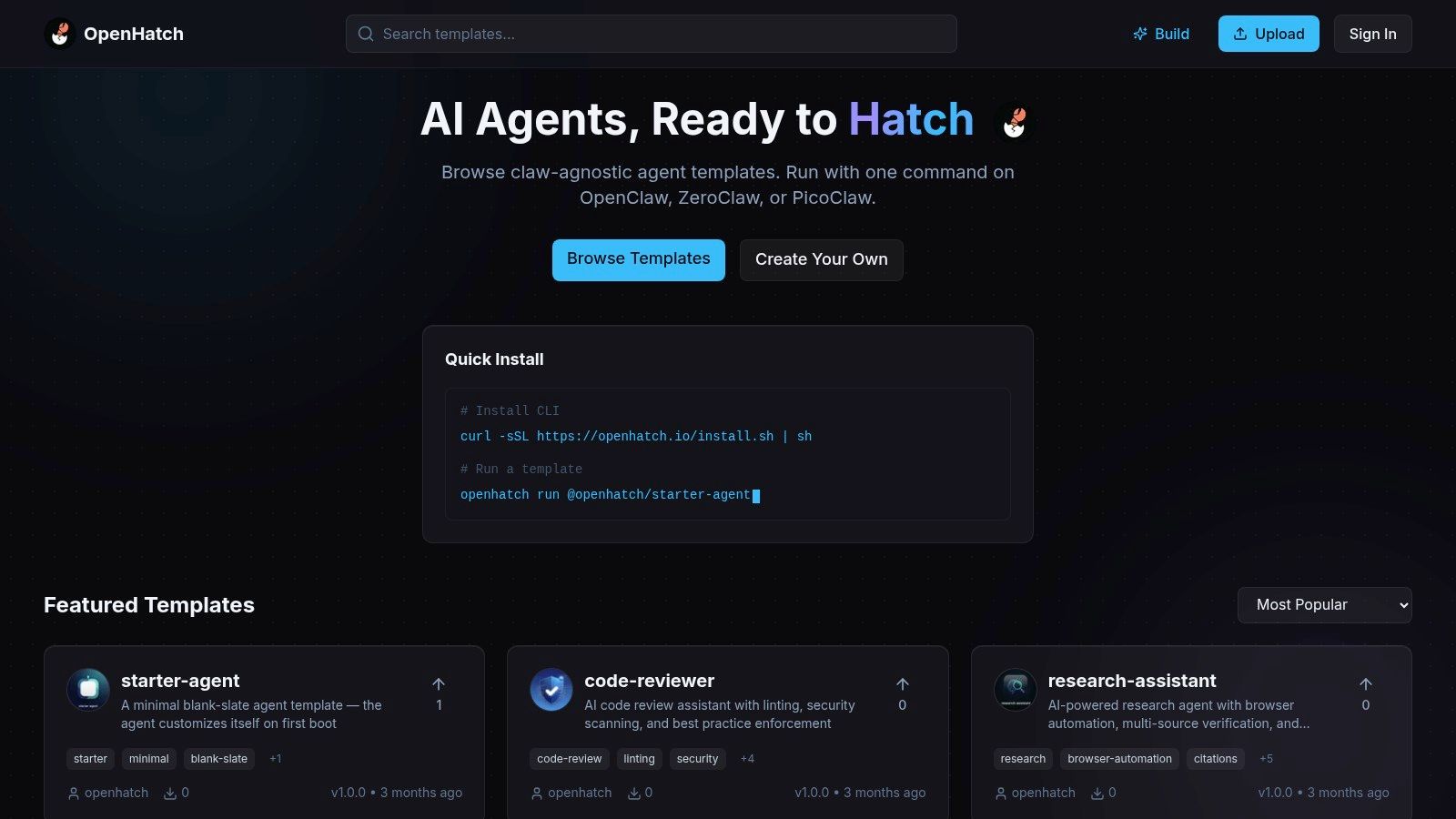
OpenHatch is a good starting library when you need a fast scaffold, not a full platform. Its value is speed. You can browse role patterns, grab a starter structure, and avoid the common mistake of building your first agent from an empty file with no boundaries or identity rules.
That matters because many teams overestimate how much custom prompt writing they need at the beginning. Most early failures aren't caused by lack of creativity. They come from unclear role definition, weak constraints, and missing defaults.
Best use case
OpenHatch works best when you want to get to a rough but usable SOUL.md quickly, then move the deployment into a managed environment like Donely OpenClaw hosting. It's especially helpful for teams that need to test multiple agent roles before investing time in deeper operational tuning.
The downside is that claw-agnostic libraries always need adaptation. A template that reads well in a generic agent context may still need changes for OpenClaw-specific tools, memory behavior, or channel handling.
Use it when you need:
- A clean bootstrap: Better than starting from scratch.
- A browsable gallery: Useful for comparing patterns across use cases.
- A low-friction draft: Strong for first-pass role definition, weaker for production governance.
I wouldn't treat OpenHatch as the finish line. I'd treat it as a drafting bench. Pull a template, rewrite the tool permissions, tighten the behavioral boundaries, and then test it in the exact channel and workflow where it'll live.
3. ClawTemplate Templates for Skills, Workspaces, and Hooks
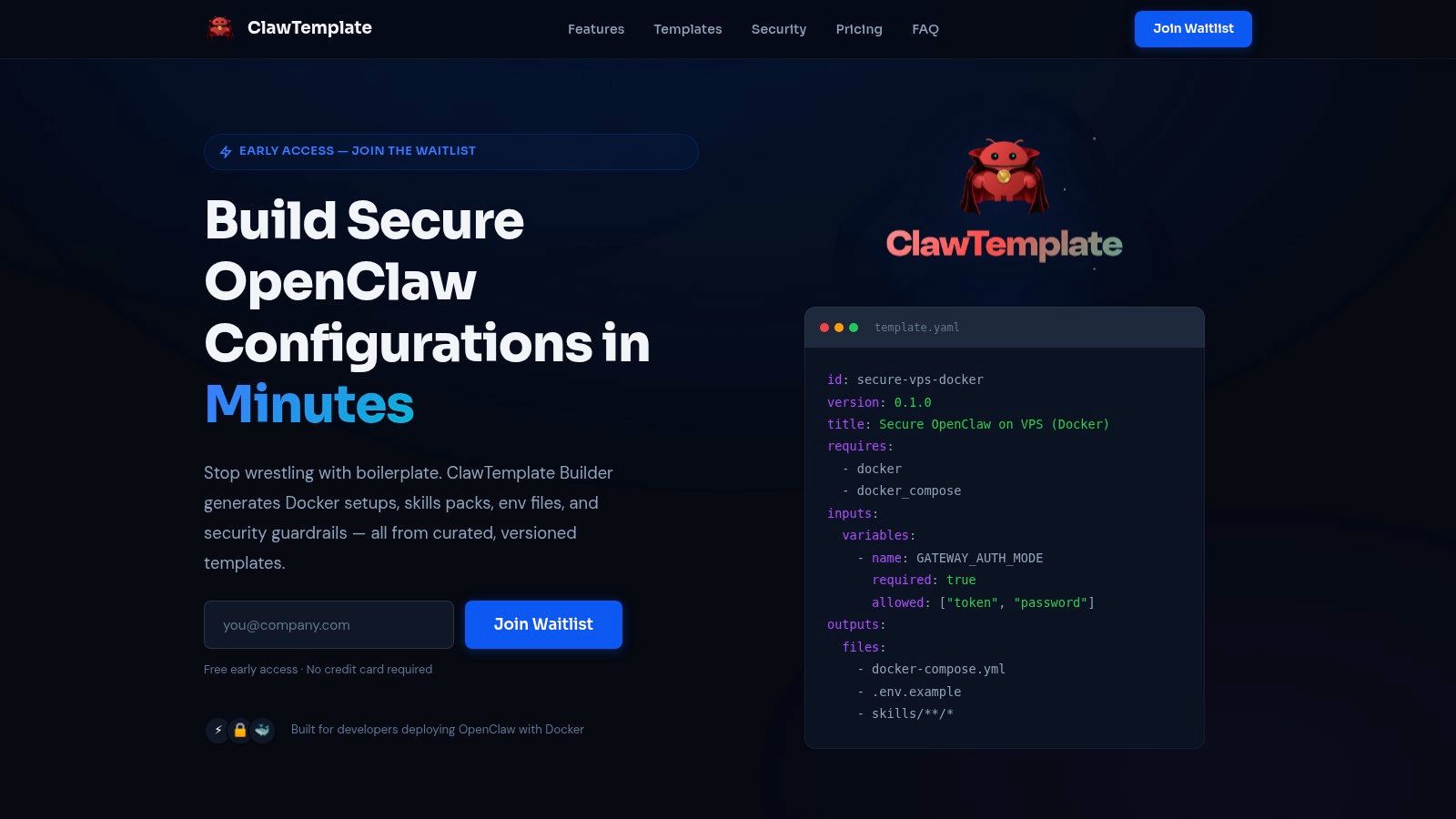
ClawTemplate is for builders who care about local iteration speed. If your team is standardizing internal agent projects and wants a more opinionated setup for workspaces, skills, and development helpers, this kind of tool can save real time.
Its main strength is structural clarity. Skills, workspace files, and hooks tend to get mixed together in ad hoc OpenClaw projects. Once that happens, debugging behavior becomes annoying because nobody knows whether a failure came from tool wiring, role instructions, or environment setup.
What it gets right
The best template builders reduce ambiguity. ClawTemplate appears to push users toward a clearer separation between workspace behavior and skill logic, which is exactly what many teams need once more than one developer touches the same agent.
There's also a bigger OpenClaw lesson underneath that. The workspace template repo describes how templates can move an agent from “stateless” into something that “persists, learns, and improves,” and points toward templates as a control layer for persistence and model routing, not just starter text files in the OpenClaw workspace template repository. That's why tools like ClawTemplate matter. They help encode a repeatable internal pattern before your agent estate becomes inconsistent.
Templates stop being “prompts” the moment your agent has memory, tools, and multiple owners.
The trade-off is obvious. Opinionated generators can feel constraining if you already know the layout you want. Advanced users may end up working around the defaults. But for teams trying to avoid a different folder structure in every repo, that constraint is usually a benefit.
4. The Operator Vault OpenClaw Prompts & Templates
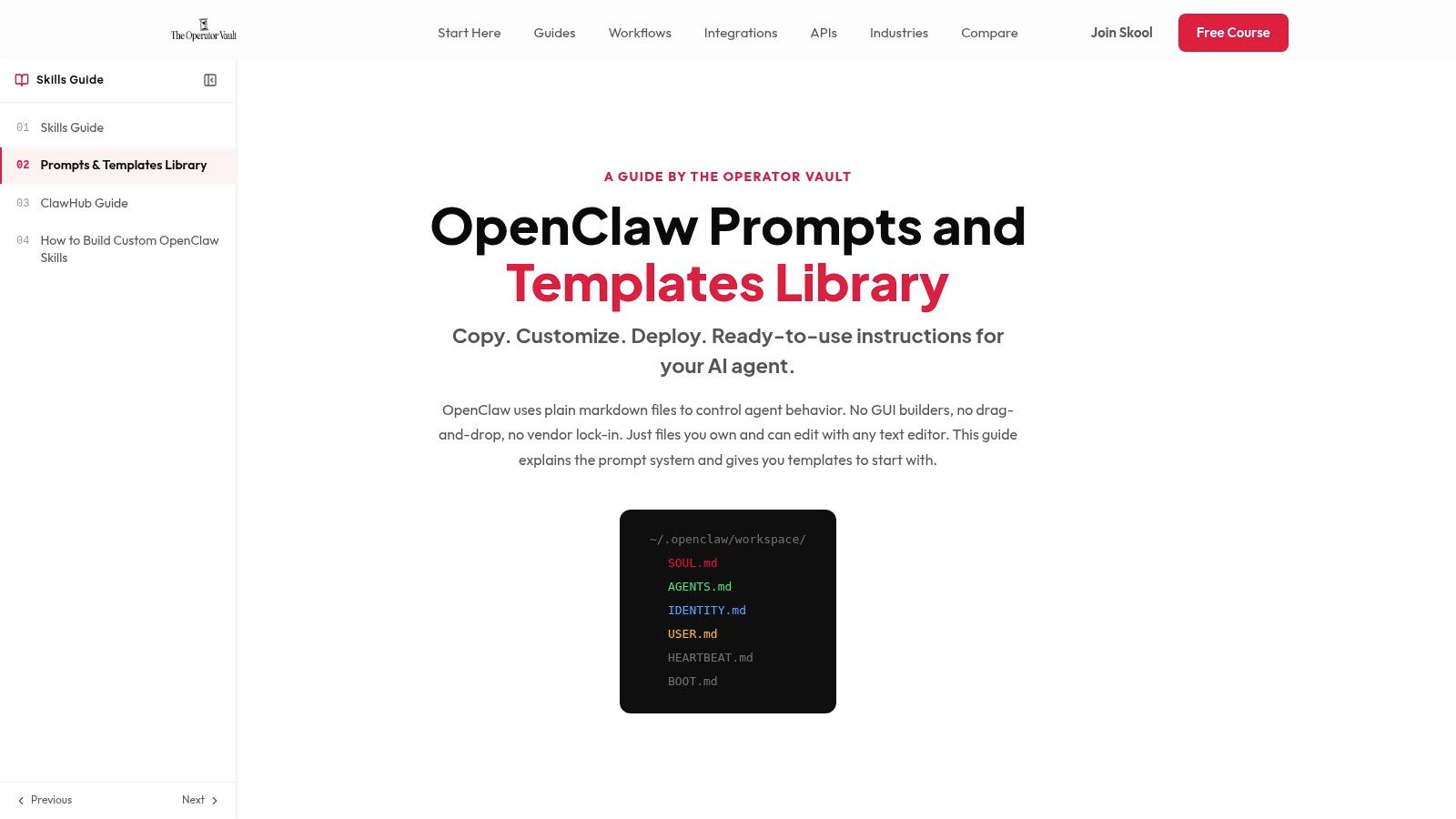
The Operator Vault is less about full scaffolds and more about control through markdown. That makes it useful for operators, PMs, and technically fluent non-developers who need to tune behavior without touching a full project layout.
This kind of library helps when your agent already exists and the problem is behavioral drift. Maybe it answers too broadly, overuses tools, or loses the right tone in customer-facing channels. Prompt-first template collections are often the fastest way to tighten that.
Where prompt libraries help
Prompt libraries work best in role-heavy environments. Support triage, executive briefing agents, channel-specific assistants, and internal copilots often need different language, escalation rules, and limits even when the underlying infrastructure is the same.
The limitation is that markdown alone won't solve operational problems. It won't give you environment separation, access controls, or deployment workflows. It shapes behavior. It doesn't replace architecture.
A practical way to use Operator Vault is to treat it as the behavior layer:
- Refine identity: Make the agent sound and act like the role owner expects.
- Tighten boundaries: Reduce tool misuse and off-policy answers.
- Tune by channel: Adjust tone and response style for Slack, Discord, or WhatsApp without rebuilding the whole agent.
If your OpenClaw templates already run and just need sharper guardrails, I'd look here first.
5. Rule of Claw Trusted Directory for MCP-Compatible Templates
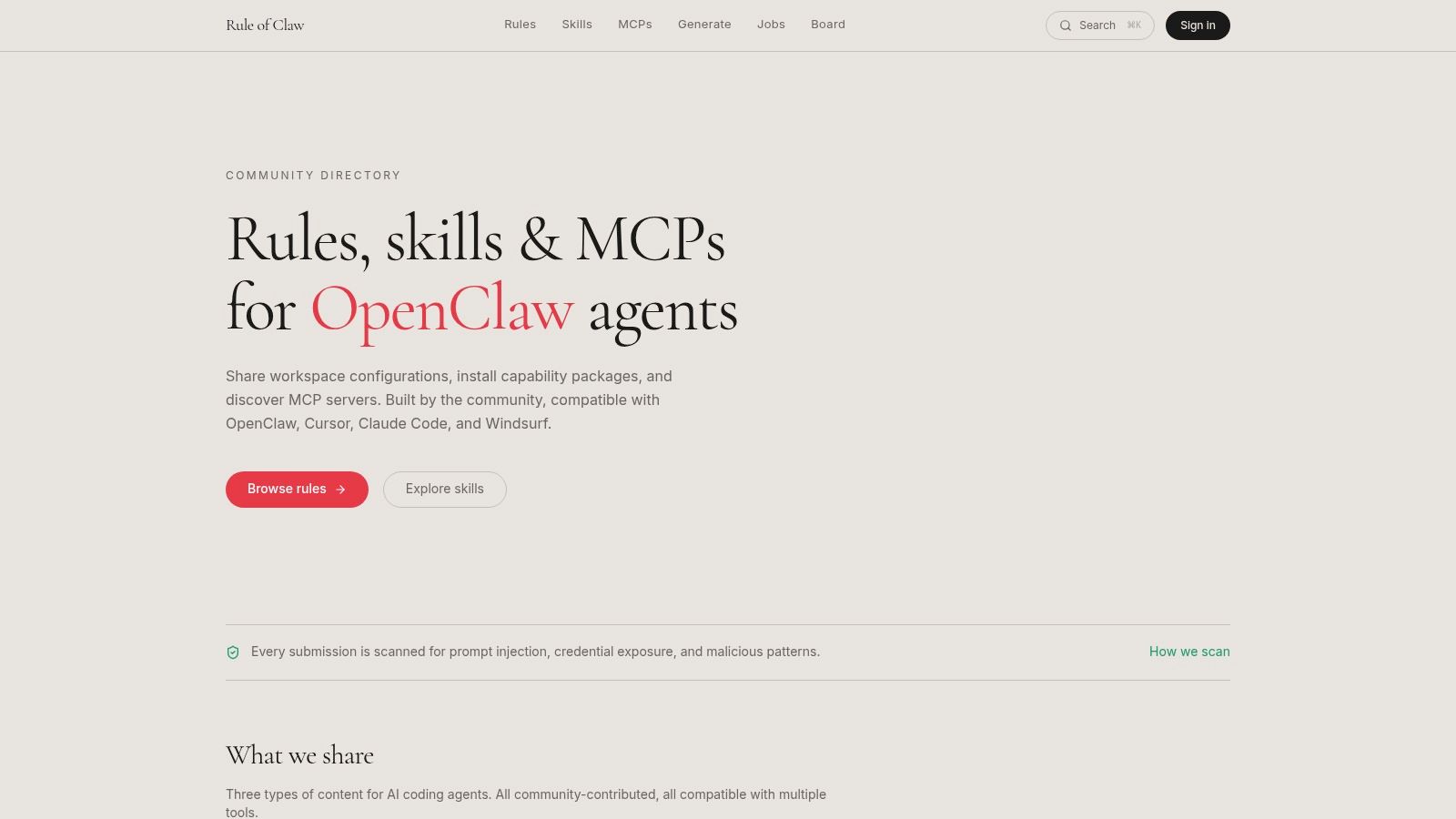
Rule of Claw is the broadest inspiration source in this list. It isn't OpenClaw-only, and that's both its strength and its weakness. You get a deeper pool of configurations, including specialized stacks and coding patterns, but you have to translate what you find into OpenClaw-friendly structures.
That's still useful. Many teams don't need a perfect ready-made file. They need a strong starting pattern for a niche workflow that isn't well covered by general agent libraries.
When to use it
This directory is strongest when your use case is unusual. Maybe you need an agent that works around a particular framework, coding standard, or internal process. General-purpose OpenClaw templates often flatten those details. Broader MCP-compatible directories preserve them.
I'd use Rule of Claw for idea mining, not blind copy-paste.
- Best for specialized domains: Strong source material when generic business-agent templates feel too shallow.
- Good for rule packs: Helpful if you want more explicit coding or execution constraints.
- Requires adaptation: Expect to rewrite structure, tool references, and memory assumptions for OpenClaw.
The best teams use directories like this to borrow proven patterns, then standardize them internally before deployment.
6. OpenClaw Desktop Blog Quick-Start Templates Article
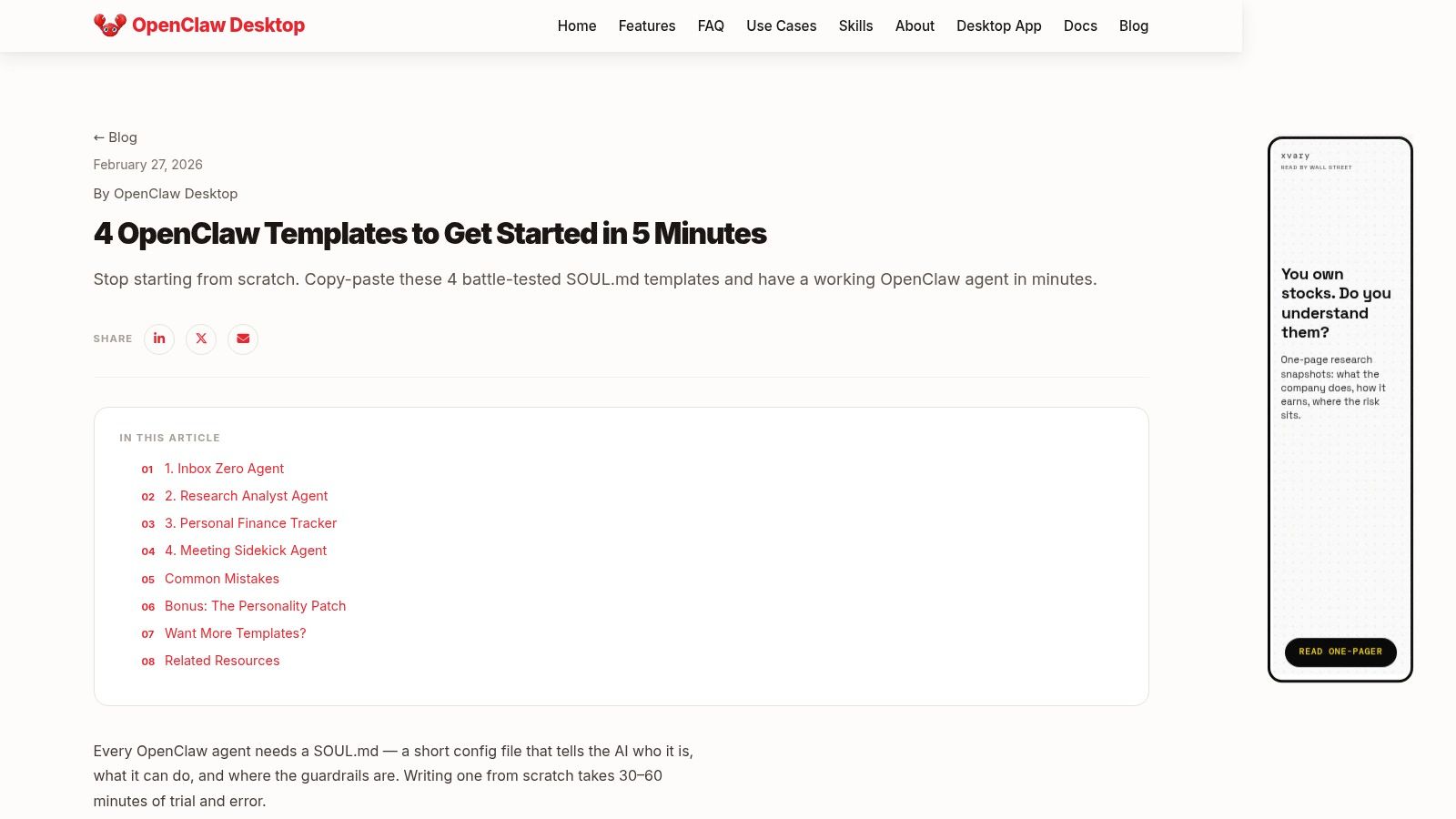
OpenClaw Desktop Blog's quick-start template article is the kind of resource I'd hand to someone who needs a working mental model by the end of the day. It's practical, immediate, and usually easier to absorb than a large template repo.
That's important because a lot of first-time OpenClaw users don't need more options. They need one understandable example that shows how identity, tools, and boundaries interact in a single file.
Why it works for first runs
Quick-start articles are good teaching material because they reduce the surface area. Instead of forcing you to compare dozens of variants, they show a few common patterns and make the anatomy visible.
Field note: The first useful template is rarely the smartest one. It's the one your team can read, edit, and test without guessing what each section does.
The limitation is depth. These resources help people cross the “I understand the pattern” threshold, but they usually won't answer production questions around persistence, governance, or multi-agent management.
Use this kind of guide when you're onboarding a teammate, demoing OpenClaw to stakeholders, or validating whether a role can be expressed cleanly in a SOUL.md file before you invest in a larger rollout.
7. rOpenClaw Community Collection 177 SOULmd Templates
The r/OpenClaw community collection on Reddit is pure breadth. If you want to see how real users are writing agents across many categories, it's one of the richest community resources in this space.
That variety is useful for one reason above all others. It exposes patterns you wouldn't have invented yourself. Community template packs often reveal how operators phrase instructions, split responsibilities, or constrain behavior in practical ways that polished marketing libraries tend to smooth over.
What to watch before production
Community collections are where you find inspiration quickly, but they're also where quality varies most. Some templates will be sharp and usable. Others will be redundant, under-specified, or too brittle for production work.
The right approach is selective borrowing:
- Steal structure, not assumptions: Keep the useful layout and rewrite context, permissions, and tool scope.
- Test edge cases early: Community files often look fine until the agent receives ambiguous or multi-step tasks.
- Standardize before deployment: Don't let every operator grab a different Reddit template and ship it unchanged.
This collection is excellent for exploration. It's weaker as a direct production source unless your team has a review process.
8. OpenClaw Guide Installer Kit, Playbook, and Templates
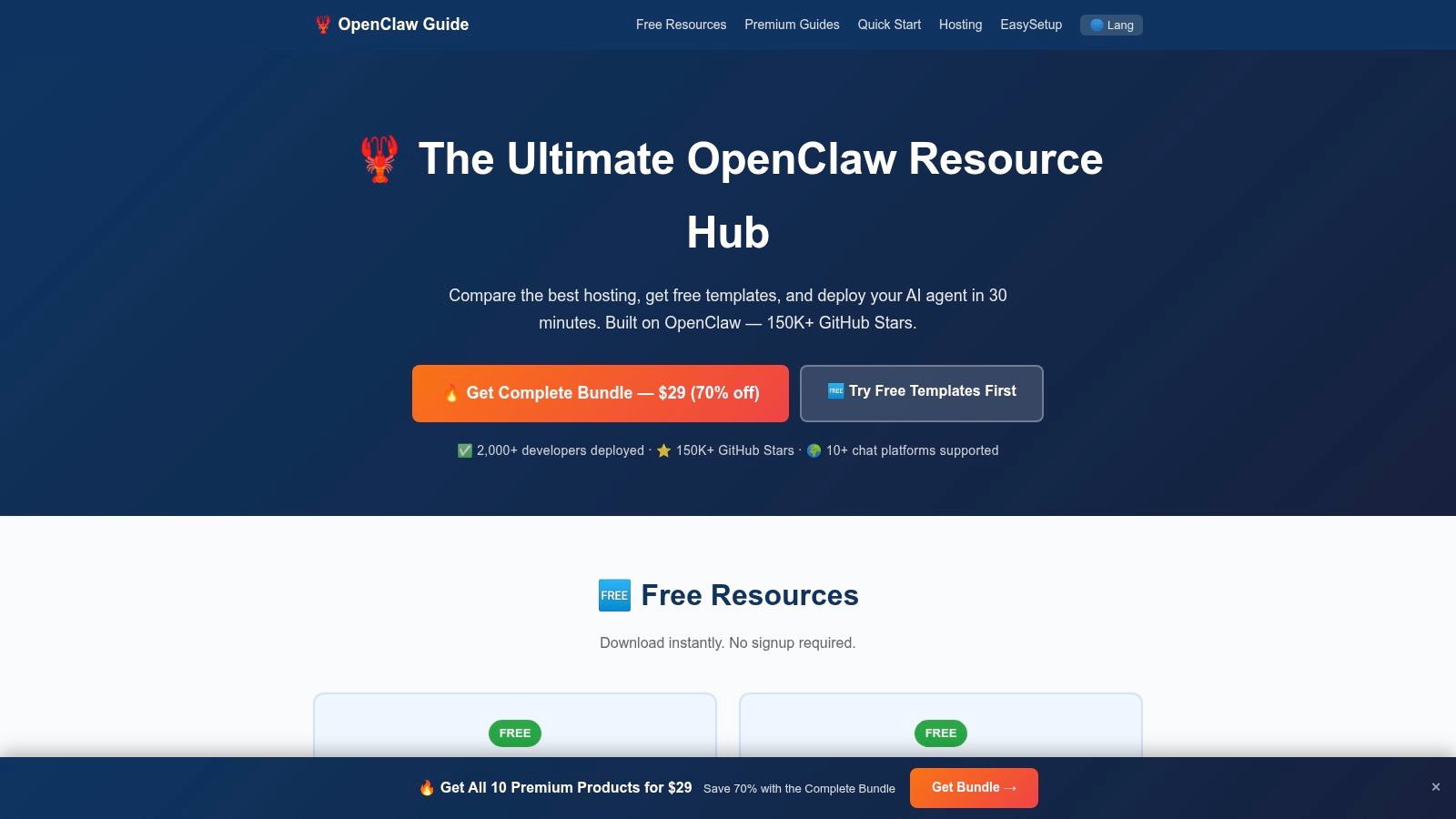
OpenClaw Guide is useful when your team wants bundled learning, not just files. Installer kits, walkthroughs, and playbook-style material lower the friction for people who need context around the template rather than a raw download.
That makes it a practical resource for onboarding and process standardization. Some teams don't struggle with writing instructions. They struggle with deciding how to install, where to place files, how to connect channels, and which operating pattern to repeat.
Good for process-minded teams
I'd put OpenClaw Guide in the “training and enablement” bucket. It's helpful when the people touching templates aren't all senior developers, or when you need one internal reference hub to shorten the path from setup to deployment.
The caveat is that unofficial hubs age unevenly. You should verify anything operational against your actual runtime and deployment target, especially if you're moving into managed hosting like Donely OpenClaw hosting.
Linux Journal's 2026 analysis said OpenClaw had surpassed 350,000+ GitHub stars and saw strongest usage in structured business workflows such as sales automation, DevOps pipelines, and reporting systems. That aligns with how I'd use a resource like OpenClaw Guide. Not for consumer novelty, but for repeatable internal process work where templates need to map onto actual operations.
9. ClawLab ClawdLab OpenClaw Skill Studio and Config Generator

ClawLab sits in a useful middle ground between raw templates and full deployment platforms. Guided config generation can prevent a lot of bad defaults, especially on teams where agent builders aren't security specialists.
That matters more than it sounds. Most OpenClaw mistakes aren't dramatic. They're quiet. Overly broad tool permissions, weak separation between roles, or template logic that assumes one channel and gets reused in another without revision.
Security-first template building
What I like about config generators in general is that they force decisions early. You have to choose structure, defaults, and behavior before the agent becomes “whatever happened to work in testing.”
OpenClaw's media-understanding docs also show why this matters now. The platform supports summarizing inbound image, audio, and video before reply handling while preserving the original media in the pipeline, which raises the bar for template design in multimodal and channel-aware workflows in the official media understanding documentation. A security-minded config tool is useful because text-only assumptions break fast once agents start handling attachments and channel-specific inputs.
If you're building internal standards for ops teams, ClawLab is worth considering. Just expect some rough edges in branding and documentation, and give your team a short internal guide after you choose a pattern.
10. OpenClaw Docs Default Starter Template Behaviors
OpenClaw's official agent documentation isn't a library, but it belongs on this list because it's the canonical baseline. If a community template behaves strangely, this is the place to check whether the file structure, runtime assumptions, or startup behavior are drifting from how OpenClaw expects agents to work.
That baseline matters more as your agent fleet grows. The fastest way to create maintenance pain is to let every repo define “normal” differently.
The canonical baseline
Official docs are where you should verify the golden path for starter behavior, file layout, and bindings. Even if you prefer community templates, the docs tell you what the runtime expects.
I use official docs for three jobs:
- Validate structure: Confirm that your template files align with the actual runtime model.
- Normalize internal standards: Turn the documented baseline into your team's approved starter pattern.
- Debug weird behavior: When a template fails, compare it against the canonical assumptions before rewriting everything.
This resource is less exciting than a giant template gallery. It's also the one that prevents a lot of avoidable confusion.
Top 10 OpenClaw Template Resources Comparison
| Item | Core features ✨ | Quality/UX ★ | Value/Price 💰 | Target 👥 | Unique selling point |
|---|---|---|---|---|---|
| Donely 🏆 | Fleet-first multi-instance hosting, 850+ tool & channel integrations, per-instance RBAC & isolated containers | ★★★★★, production-ready, click-to-deploy | 💰 Free forever; Personal $25/mo per instance; Team & Enterprise + volume discounts | 👥 Founders, agencies, dev/ops, compliance & enterprise teams | ✨ Multi-instance + per-instance billing, turnkey DevOps + enterprise governance 🏆 |
| OpenHatch, AI Agent Templates Library | Versioned, copy-pasteable agent templates & starter patterns | ★★★★, consistent starter structure | 💰 Free / community-maintained | 👥 Developers & beginners wanting fast scaffolds | ✨ Ready starter templates for quick SOUL.md bootstraps |
| ClawTemplate, Templates for Skills & Workspaces | Opinionated workspace/skill templates with hot-reload & debug | ★★★★, speeds local iteration | 💰 Free / low-cost tooling | 👥 Dev teams standardizing local flows | ✨ Hot-reload + opinionated defaults for faster dev cycles |
| The Operator Vault, Prompts & Templates | Curated OpenClaw prompt/style collections and markdown controls | ★★★★, great for tuning behavior | 💰 Free / community | 👥 Non-developers, prompt engineers, operators | ✨ Markdown-driven guards & role-tuned prompt patterns |
| Rule of Claw, MCP-Compatible Directory | Large vetted directory of configs across stacks | ★★★★, high-quality but variable | 💰 Free / varies by entry | 👥 Teams seeking specialized, vetted configs | ✨ Deep bench of vetted, domain-specific configurations |
| OpenClaw Desktop Blog, Quick-Start Templates | Downloadable SOUL.md examples with explanations | ★★★, practical for demos & training | 💰 Free | 👥 New users & trainers | ✨ Concise examples ideal for demos and hands-on learning |
| r/OpenClaw Community Collection | 170+ ready SOUL.md files across 24+ categories | ★★★, massive breadth, inconsistent polish | 💰 Free | 👥 Experimenters & rapid prototypers | ✨ Huge community-curated template pool for experimentation |
| OpenClaw Guide, Installer Kit & Playbook | Installer kits, playbooks, consolidated templates & walkthroughs | ★★★★, handy all-in-one hub | 💰 Mostly free; some paid bundles | 👥 Teams standardizing processes & onboarding | ✨ Playbook + walkthroughs that tie templates to best practices |
| ClawLab, Skill Studio & Config Generator | Guided config generator with security-first defaults | ★★★★, repeatable, security-focused | 💰 Free / tool-based | 👥 Ops & security-minded teams | ✨ Security-forward templates and guided generator |
| OpenClaw Docs, Default/Starter Template Behaviors | Canonical runtime, file-layout, CLI examples & safe defaults | ★★★★★, authoritative reference | 💰 Free | 👥 Developers building production templates | ✨ Official "golden path" guidance for composing templates |
Start Building Your AI Workforce Today
OpenClaw templates are no longer just starter prompts for hobby projects. They've become the packaging layer for reusable agent behavior, memory, model choices, tool rules, and channel-specific operations. That's why the right template choice saves more time than many initially anticipate. It isn't just about writing less. It's about avoiding rework in the places that get expensive later: permissions, reliability, ownership, and deployment sprawl.
If you're choosing among the resources above, the fastest way to decide is to match the tool to your current bottleneck. If you need inspiration, start with community libraries like OpenHatch, Rule of Claw, or the Reddit pack. If you need better local structure, look at ClawTemplate or ClawLab. If you need a clean mental model, the quick-start article and official docs will get you there faster than another hour of searching. And if the template is already good enough but the infrastructure isn't, move to a managed platform.
That last step is where a lot of teams hesitate. They keep polishing the SOUL.md file while ignoring the bigger production questions. Who owns each agent? Where do credentials live? How do you isolate one client from another? How do you monitor usage, control access, and shut down risk before it spreads across a shared deployment? Those aren't edge cases. They're the normal problems that appear as soon as an agent starts doing real work.
For agencies and enterprise teams, managed OpenClaw deployment usually wins because it cuts out a class of operational chores that don't create business value. You don't get points for hand-rolling instance isolation, RBAC, auditability, and billing if your real goal is shipping agents that support customers, qualify leads, summarize reports, or route internal tasks. You need those controls, but you probably don't need to build them yourself.
The practical path is simple. Start with a template that is understandable. Tighten its scope. Test it in the exact channel and workflow where it will operate. Then deploy it somewhere that can support multiple agents, multiple owners, and multiple business boundaries without turning your setup into a pile of exceptions.
That's the difference between trying OpenClaw and operationalizing it. Templates get you started. Good deployment choices let you keep going.
If you're ready to move from template files to live agents, Donely is the clearest path in this list. It gives you managed OpenClaw deployment, isolated instances for personal, business, or client workloads, built-in governance, and the operational controls that teams usually discover they need after launch. Start with one agent, keep your boundaries clean, and scale without taking on infrastructure work you don't need.