
Your business probably lives in tabs right now. Projects sit in one app, sales in another, invoices in a third, and the person who knows where everything is keeps getting interrupted to “just check one thing.” That's why business managing apps matter, they're not about software abundance, they're about reducing the drag of disconnected work.
The stack got bigger because the job got bigger. Okta's SMB report says the average company had 275 applications in 2024, with averages of 36 apps for small businesses, 58 apps for SMBs, and 93 apps across all company sizes, which is why app sprawl is now an operating problem, not a tech curiosity (Zylo's SaaS stats and IT strategy overview). That same pressure is why renewals, permissions, and usage now need ongoing management, not occasional cleanup. If your team is already feeling that pain, you're not late, you're normal.
This list keeps the focus practical. It groups tools by function, project management, CRM, finance, and then adds an AI agent layer that can sit on top of the stack. If you're also wrestling with commerce workflows, it helps to think the same way as solving Shopify challenges with Wistec, the point isn't more software, it's better coordination.
Table of Contents
- 1. monday.com
- 3. Notion
- 4. Airtable
- 4. Airtable
- 5. Zoho One
- 7. HubSpot
- 8. Salesforce Sales Cloud
- 9. QuickBooks Online
- 9. QuickBooks Online
- 10. Donely
- Top 10 Business Management Apps Comparison
- Building Your Stack From Apps to an Automated System
1. monday.com
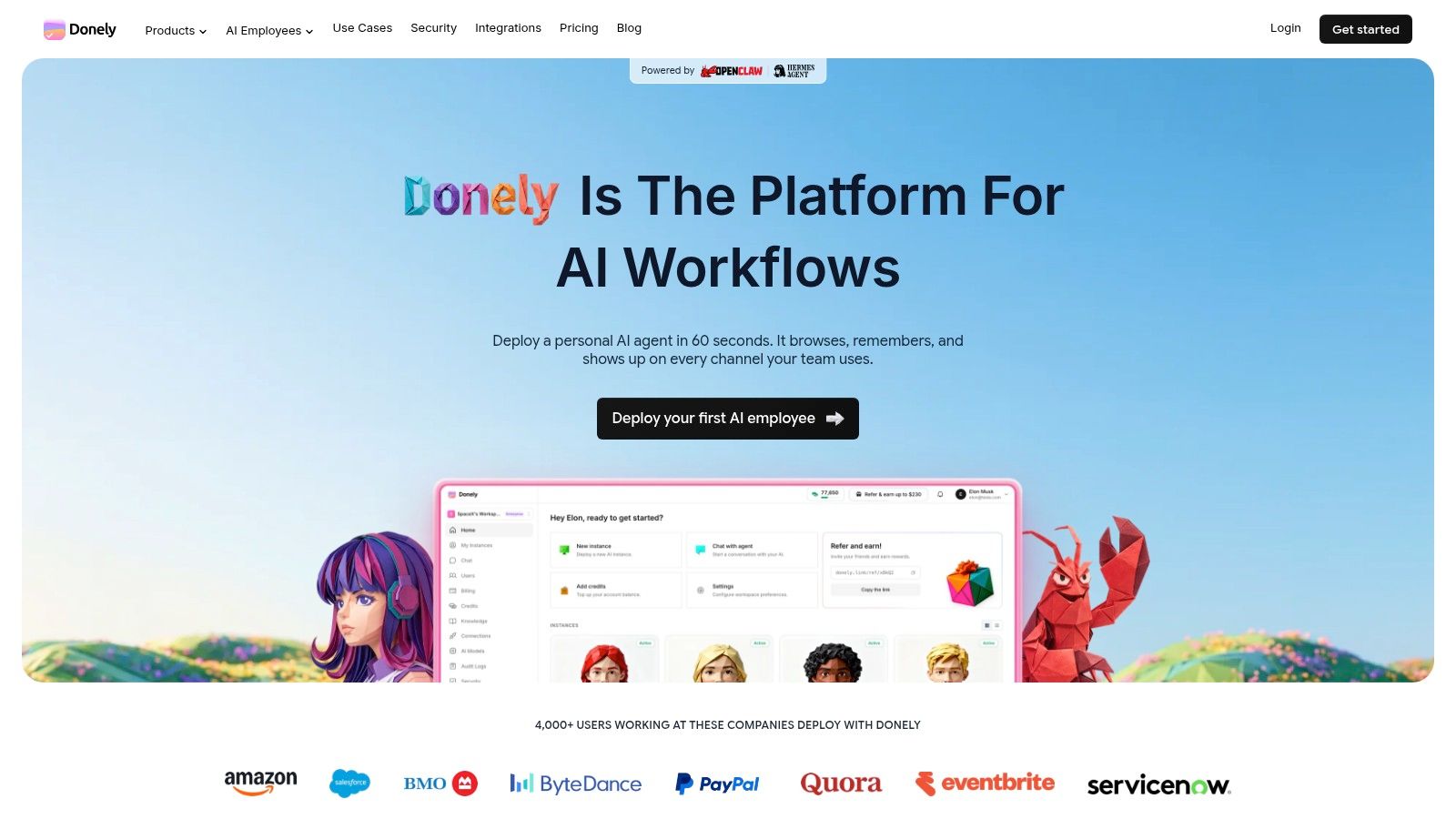
monday.com fits teams that need a clear operating layer without a long implementation cycle. It gives work, projects, CRM, and internal processes a visual home, with automations and dashboards that reduce manual status chasing. For teams that need clarity fast, that is often more useful than a months-long ERP rollout.
Where it fits well
The best fit is a team that needs one place to track deadlines, owners, handoffs, and approvals. Visual boards, timeline views, Gantt-style planning, and workload views work well for operations, marketing, and client delivery because people can read the status quickly. The template library also helps teams avoid the blank-page problem that slows adoption.
Practical rule: choose monday.com when getting people onto the system matters more than deep custom data modeling.
The trade-off is cost and depth. The stronger governance features sit higher on the pricing ladder, and per-seat pricing can add up for larger teams. Even so, teams that want a clean rollout and a broad integration ecosystem often find it easier to centralize day-to-day business management here than in a more rigid tool.
For teams that eventually want automation across a broader stack, monday.com can sit alongside a shared knowledge layer such as Donely's company brain instead of trying to hold every process on its own.
- Good for: lightweight operations, project tracking, agency workflows
- Less ideal for: teams that need complex database logic or enterprise-level process modeling from day one
- Website: monday.com
- Backlink: boost collaboration in SaaS projects
3. Notion
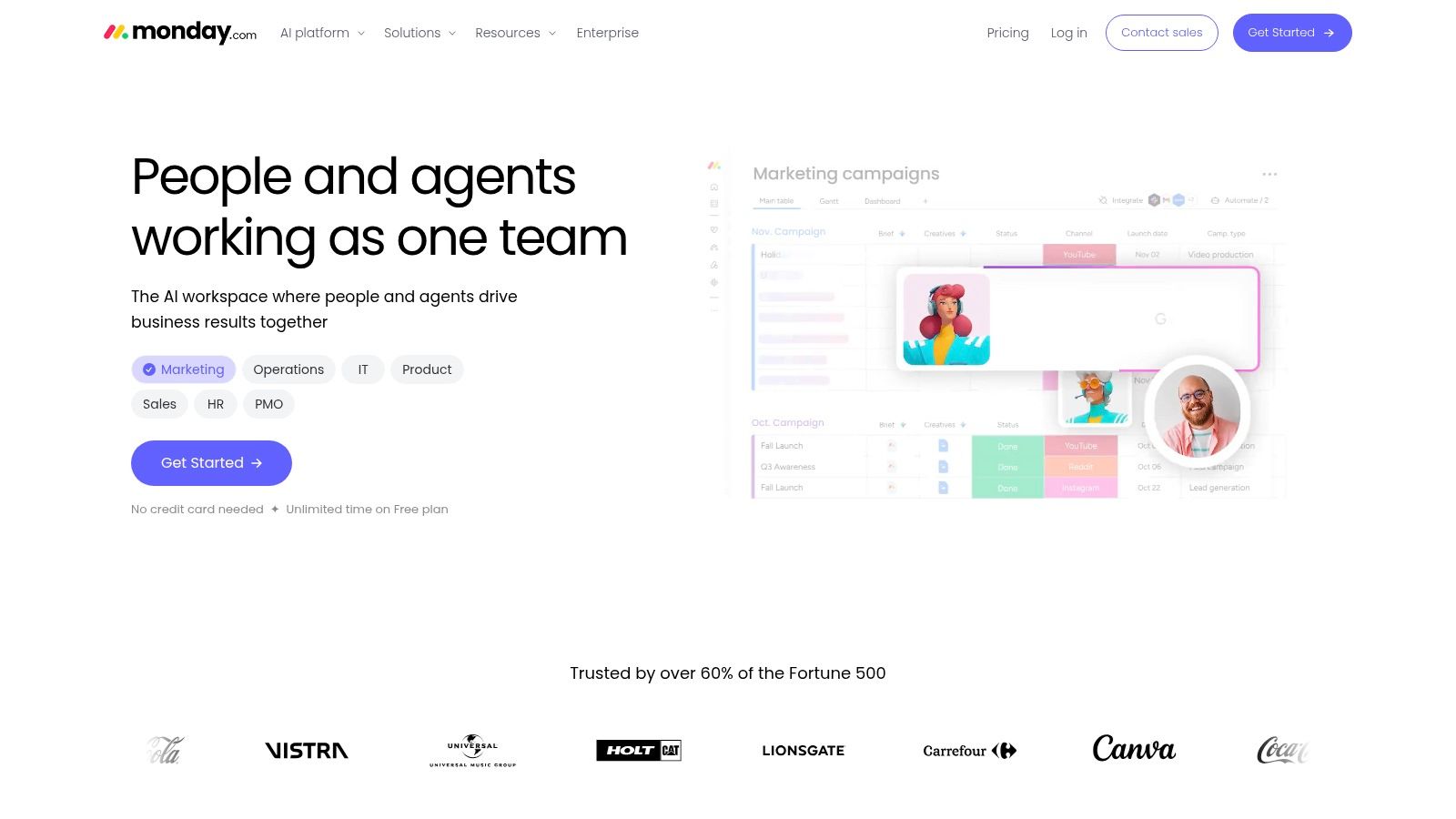
Notion works well for teams that want one workspace for internal docs, process notes, and lighter workflow tracking. It handles pages, databases, relations, rollups, and permissions well enough to support SOPs, team documentation, lightweight CRM structures, and founder-led operations. The strength is not rigid enforcement. It helps a business stay readable in one place.
Why Notion stands out
The interface is the reason many teams adopt Notion quickly. People open it, and that matters because a tool no one wants to use becomes shelfware fast. If a company needs one place for onboarding docs, internal decisions, client notes, and project context, Notion makes that mix easy to live with.
The trade-off is governance. Without clear rules, each team starts building its own version of truth, and the workspace turns into a maze of pages and databases that look organized until someone tries to use them. Notion also is not trying to be a full operations system by itself, so stronger setups usually pair it with a more structured workflow layer.
Notion works best when the team agrees on what belongs in a page, what belongs in a database, and what belongs somewhere else.
For teams exploring AI inside their operating system, the Donely company brain is a useful contrast because it points to a more automation-first approach, while Notion stays strongest as the knowledge layer.
- Good for: internal documentation, SOPs, lightweight CRM setups, founder-led operations
- Less ideal for: teams that need strict process control or heavy workflow enforcement
- Website: ClickUp
4. Airtable
Airtable works well when a business has outgrown spreadsheets but does not yet need a custom-built system. It gives teams tables, multiple views, interfaces, automations, and API access, so the same base can support a lightweight CRM, an operations tracker, a planning board, or an internal tool. That mix is useful, but only if the team is clear about what the base is meant to do.
Where Airtable fits, and where it starts to strain
Airtable's interface layer is the main reason it earns a place in operations stacks. A grid is only one way to view the data. Teams can also give operations staff, managers, or clients simpler views while keeping the underlying structure intact, which is useful in agencies, product operations, and PMO-style reporting where the same records need to serve different users.
That flexibility comes with a real trade-off. Airtable rewards planning, and it is much easier to build something stable when table structure, permissions, and automation logic are decided early. Without that discipline, the base can turn fragile fast. It also helps to remember that a database alone does not fix process problems. If ownership, naming, and data hygiene are weak, Airtable will reflect that immediately.
Airtable fits best for teams that need a practical bridge between spreadsheet logic and a more structured operational system. It is a strong choice for lightweight ERP-style workflows and cross-team rollups, especially when the goal is to organize data without committing to a full custom application. Teams moving too quickly, or teams that will not assign an owner for maintenance, usually feel the limits sooner than they expect.
- Useful for: lightweight ERP-style workflows, operational databases, cross-team rollups
- Not ideal for: rushed builds with no owner for data hygiene
- Website: Airtable
4. Airtable
Airtable sits between a spreadsheet and a real app platform, which is why it shows up in so many operations stacks. It gives you tables, multiple views, interfaces, automations, and API access, so teams can build lightweight CRMs, planning systems, and internal tools without starting from zero. If a process is data-heavy but still too small for a custom app, Airtable is often the practical fit.
Where Airtable outperforms spreadsheets
The interface layer is the reason Airtable pulls ahead of plain spreadsheet workflows. Instead of forcing every user into the same grid, teams can give operations staff, managers, or clients a simpler view while keeping the underlying structure intact. That matters in agencies, product ops, and PMO-style reporting, where the same records need to serve different audiences.
The trade-off is discipline. Airtable works much better when table structure, permissions, and automation logic are decided early, because a loose setup gets fragile quickly. It also helps to be honest about the problem. A database does not fix weak process design, and if ownership or data hygiene is poor, Airtable will show it fast.
For teams that need a bridge between spreadsheet logic and a structured operational system, Airtable fits well. It is a sensible choice for lightweight ERP-style workflows and cross-team rollups when the goal is to organize data without building a full custom application. Teams that move too quickly, or teams that will not assign someone to maintain the base, usually hit the limits sooner than expected.
- Useful for: lightweight ERP-style workflows, operational databases, cross-team rollups
- Not ideal for: rushed builds with no owner for data hygiene
- Website: Airtable
5. Zoho One
Zoho One suits companies that want broad coverage from one vendor instead of assembling a stack from several subscriptions. The suite includes CRM, books, projects, desk, people, campaigns, analytics, and more, so it appeals to cost-conscious teams that want centralized administration and fewer vendor relationships to manage. The value is practical, not flashy. It gives operations a usable system without adding more software sprawl.
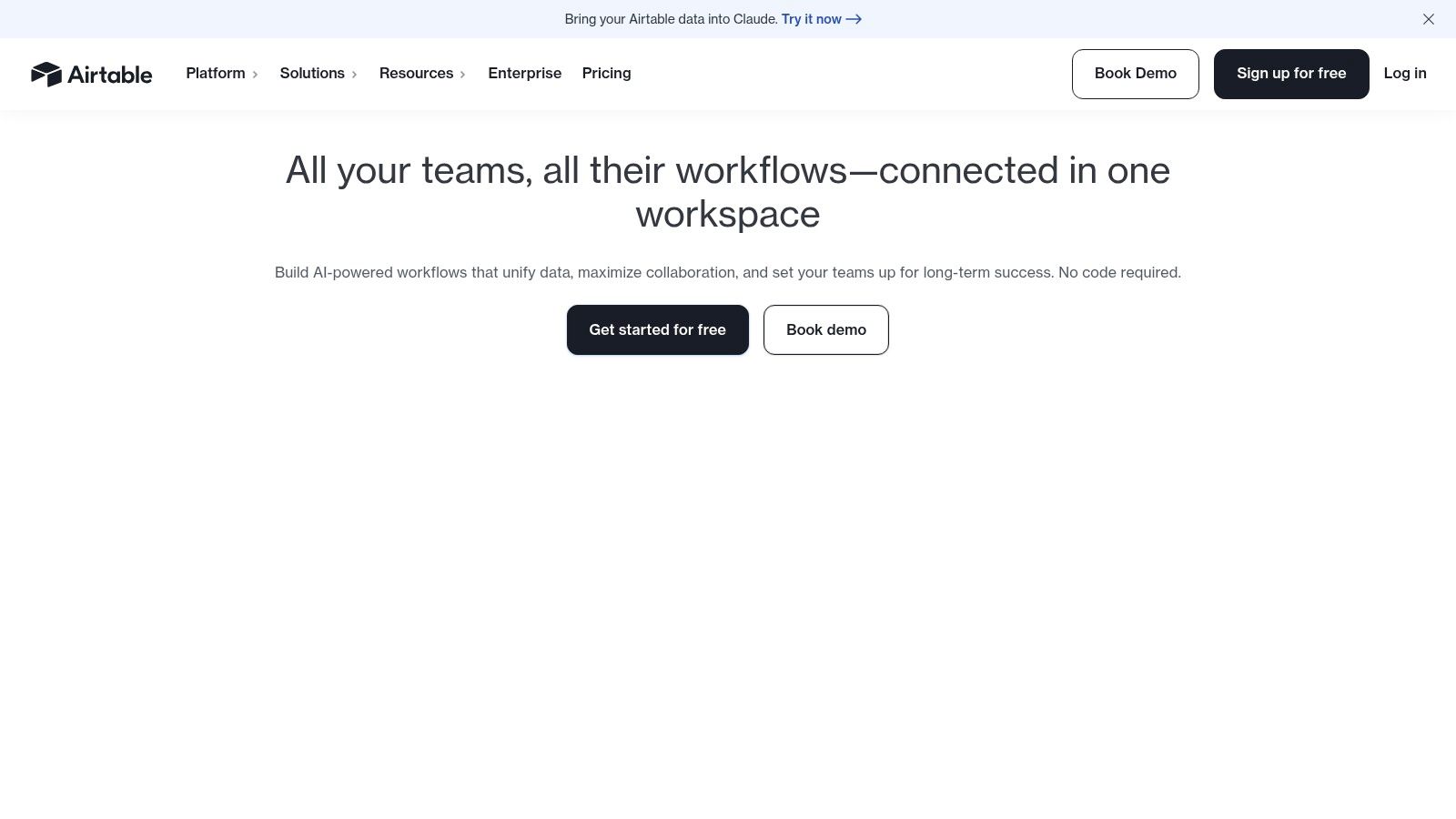
Broad suite, uneven depth
Zoho's main strength is governance. CRM, finance, support, and analytics can sit inside one ecosystem, which helps when managers want a single admin model and clearer visibility across departments. The trade-off is depth. A broad suite rarely matches a specialist tool in every function, and teams feel that most when a department is used to a best-of-breed workflow.
That trade-off works for many SMBs and mid-market teams. It becomes harder to ignore when one department expects advanced features that sit outside the suite's usual strengths. Zoho One performs best when leadership wants system coherence and lower administrative overhead more than niche perfection.
There is also a practical operations question that often gets overlooked. If your stack needs to connect Zoho One with automation layers or other business managing apps, the integration plan matters as much as the app list itself. A platform can cover a lot, but teams still need to decide where workflows live and who maintains them.
- Best for: teams that want a broad business stack under one roof
- Watch for: change management across multiple modules
- Website: Zoho One
7. HubSpot
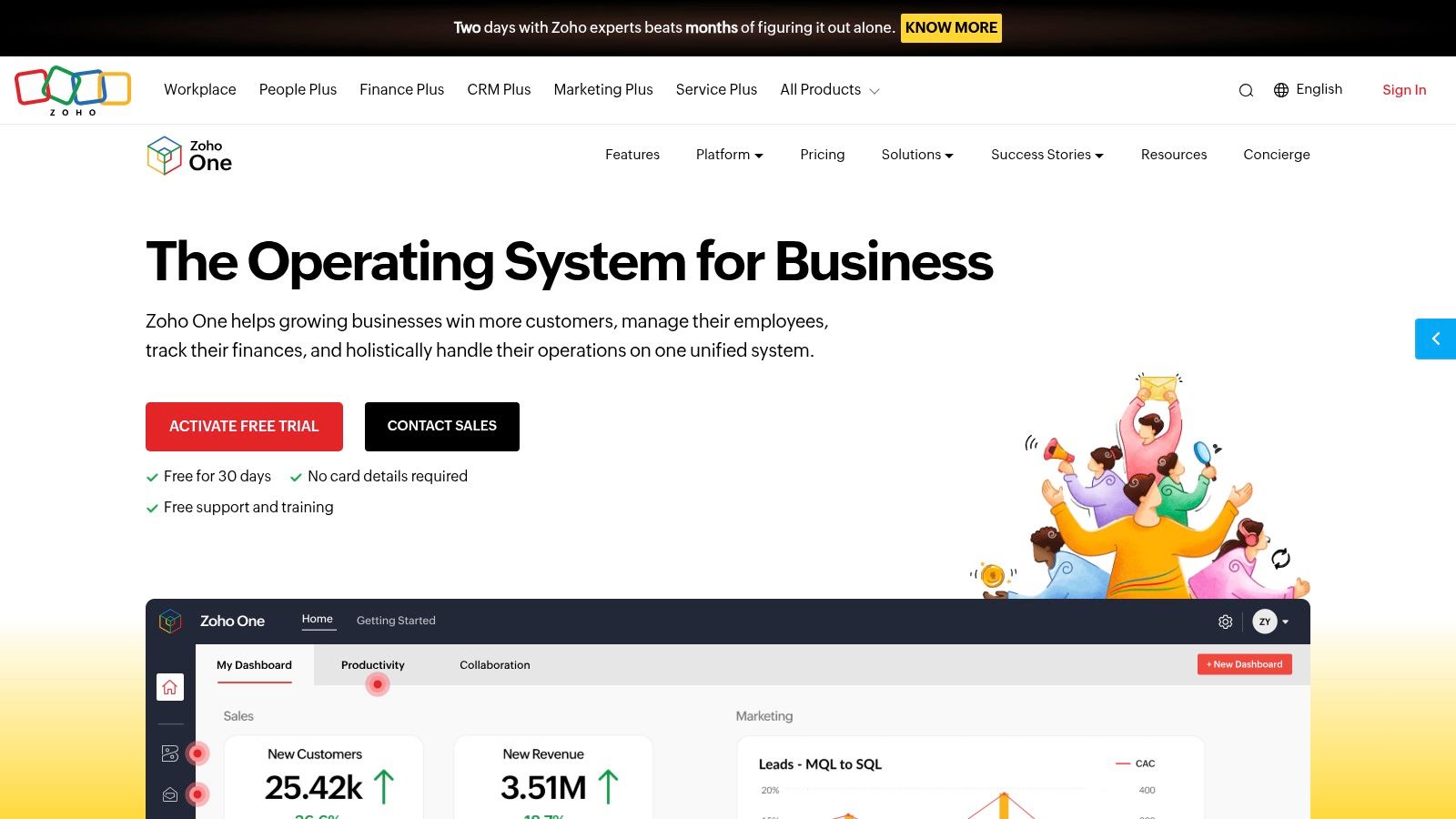
A sales team can be using one CRM, marketing is running another tool, and service tickets are sitting somewhere else. HubSpot earns its place because it pulls those functions into one system without asking users to wrestle with it. The CRM core is free, and the paid hubs extend into marketing, sales, service, CMS, and operations, so startups and agencies can grow into a shared go-to-market stack without a steep learning curve. Adoption is where it stands out, and in practice, adoption is what makes the platform useful.
Good for teams that need one customer record
HubSpot's strongest advantage is the shared customer record. Marketing automation, sales sequences, service conversations, and content workflows can all sit on the same data model, which reduces the handoff friction that often breaks a customer journey. For teams that need to move quickly, that consistency matters more than a long feature list.
There is a real trade-off here. HubSpot can become expensive as contacts, seats, and hub usage increase, and some of the reporting or automation depth sits in higher-priced tiers. That makes it a better fit for teams that value clean adoption and low admin friction over the lowest possible software bill.
The practical question is how far you want the platform to carry your stack. If your team wants to keep HubSpot at the center while agents and automations work across the same tools, Donely integrations are a relevant option because they let AI operate inside the apps people already use, instead of forcing a rebuild around a new system.
- Best for: startups, agencies, and revenue teams that want an easy-to-use customer platform
- Watch for: pricing growth as usage expands
- Website: Odoo
8. Salesforce Sales Cloud
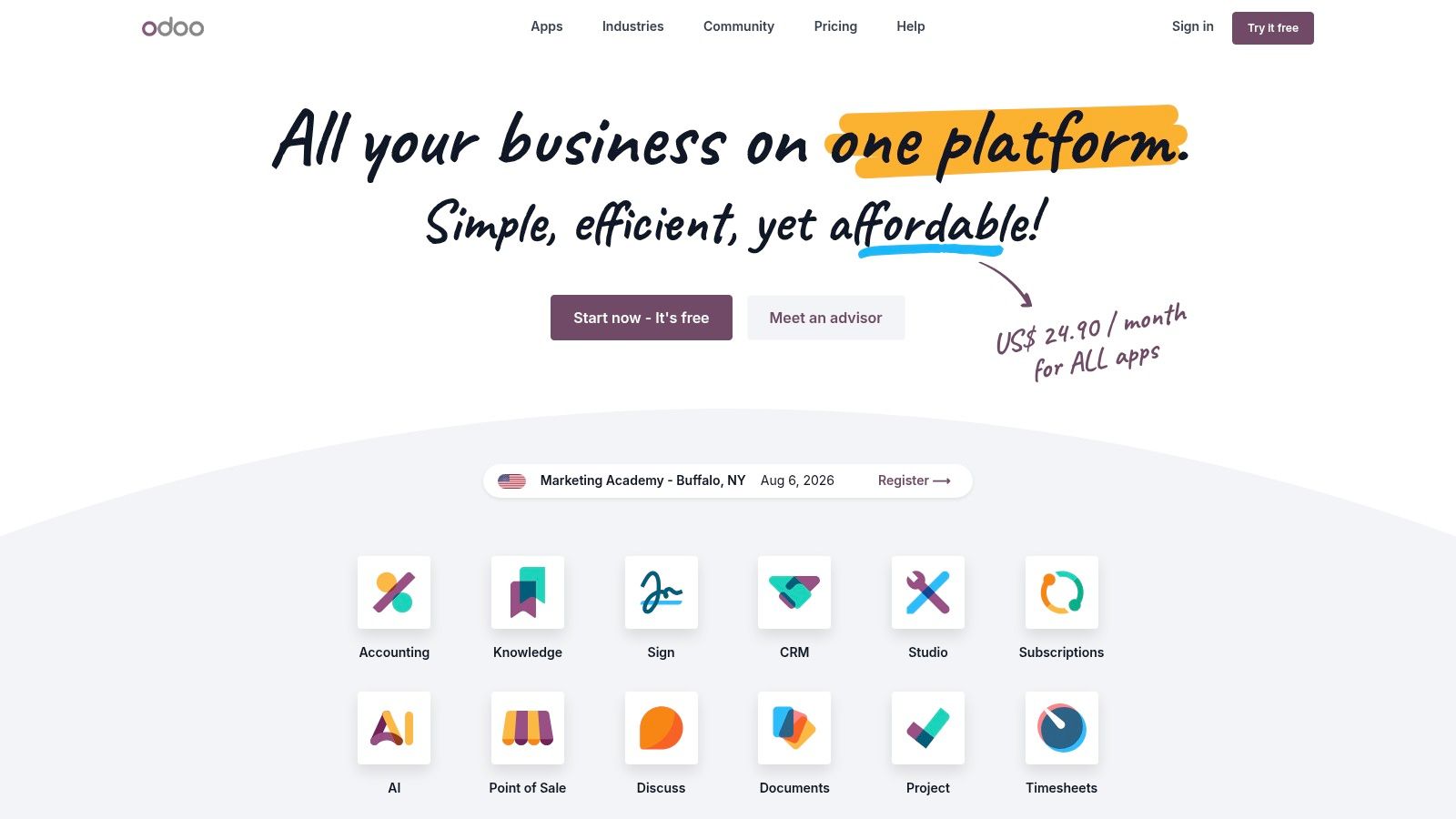
A sales leader opens Salesforce because the process has already outgrown lighter tools. The platform gives teams deep customization, Flow automation, analytics, broad API access, and an ecosystem that can support many verticals and operating models. For companies that need scale, security, and a system that can absorb complexity, Salesforce remains one of the strongest options.
The question is how much operational overhead the team can carry. Salesforce is highly configurable, which is useful when the sales process is nuanced, but it also means many companies need admin support, development support, or both to keep the setup working well. Add-ons can stack quickly too, so buyers need to separate core capabilities from the extras they may not need on day one.
That trade-off is why Salesforce tends to fit organizations with complex revenue motions rather than teams that just want a clean contact database. It handles large org structures, many integrations, and detailed sales operations better than lighter CRMs, but that power comes with planning, training, and ongoing maintenance. The practical buying approach is to treat implementation as part of the purchase, not something to figure out later.
If your stack also includes finance workflows, the CRM choice should still fit the wider operating model. Teams comparing tools across accounting and sales often look at top apps for QuickBooks Desktop alongside CRM options so they can keep quoting, billing, and customer records aligned.
- Best for: enterprise sales teams and organizations with deep process needs
- Less ideal for: teams that want a fast, low-admin CRM
- Website: Salesforce Sales Cloud
9. QuickBooks Online

A growing business can get by with a patchwork of spreadsheets for a while. Once invoicing, expenses, bank feeds, and reconciliations start touching the same records, that setup slows people down fast. QuickBooks Online sits in the middle of that problem for a lot of SMBs, which is why it stays on so many shortlists. It covers invoicing, expenses, bank feeds, reconciliations, estimates, project tracking, inventory on higher plans, and reporting, so the finance team can keep the books organized without forcing the rest of the business into a rigid accounting process.
The trade-off is straightforward. QuickBooks Online is built for practical SMB finance, not for companies that want every workflow absorbed into one system. If the business needs a clean place to manage books, payments, and day-to-day finance work, it does that well. If the company already has a more complex operating stack, the accounting tool has to connect cleanly to the rest of it, or someone ends up rekeying the same data in multiple places.
Finance tools should stay connected
That connection point matters more than the accounting feature list. QuickBooks Online's app ecosystem helps it connect to payroll, payments, sales tools, and e-commerce systems, which cuts down on manual transfers and the errors that follow them. Manual handoffs are where delays start, and they are usually where finance teams lose time on work that should have been automated.
The limits show up as the business structure gets more complicated. Multi-entity setups and advanced consolidation can require workarounds or add-ons, and some of the more advanced capabilities sit on higher tiers. For a lot of SMBs, that is still an acceptable trade, because the core value is getting reliable books, connected workflows, and a system the team can maintain. Teams that are comparing accounting options alongside CRM or project tools often also review top apps for QuickBooks Desktop so they can keep quoting, billing, and customer records aligned. If they are also thinking about a layer that can route work across finance, sales, and operations, it is worth comparing that setup with Donely pricing before locking in the stack.
- Best for: SMB accounting, invoicing, reconciliation, reporting
- Watch for: tiered feature access and expansion complexity
- Website: QuickBooks Online
- Backlink: top apps for QuickBooks Desktop
9. QuickBooks Online
QuickBooks Online stays the finance backbone for many SMBs, and bookkeepers recommend it for good reason. It covers invoicing, expenses, bank feeds, reconciliations, estimates, project tracking, inventory on higher plans, and reporting, so it gives small teams one place to keep the books organized and connected. For many businesses, the goal is not a complex accounting setup, it is clean records and fewer handoffs.
Finance tools should stay connected
A finance system works better when it sits close to the rest of the stack. QuickBooks Online connects with payroll, payments, sales tools, and e-commerce systems through its app ecosystem, which cuts down on manual data entry and the mistakes that come with it. Manual transfers slow teams down, and they are often where finance work starts to drift.
The trade-off appears as the business gets more complex. Multi-entity setups and advanced consolidation can require workarounds or add-ons, and some advanced features are reserved for higher tiers. For SMB finance, though, it remains a practical option because it balances coverage, ease of use, and day-to-day maintainability.
- Best for: SMB accounting, invoicing, reconciliation, reporting
- Watch for: tiered feature access and expansion complexity
- Website: QuickBooks Online
- Backlink: top apps for QuickBooks Desktop
10. Donely
Donely is the most interesting addition to this list because it doesn't compete with your stack, it sits above it. It's built as a production-ready platform for launching, running, and governing unlimited AI employees from one dashboard, which makes it a different kind of business managing app altogether. Instead of replacing CRM, finance, or project tools, it connects to them and turns them into a workflow surface for agents.
Why the architecture matters
The key distinction is multi-instance isolation. Donely runs each instance in its own container with scoped data access, per-instance RBAC, and unified audit logs, so a founder, agency, or enterprise can keep personal, business, and client workflows separate without credential bleed or awkward migrations. That matters in real operations, because a stack is only as useful as the boundaries around it.
It also removes a lot of DevOps friction. Donely handles hosting, sandboxed browser access, email inboxes, and 850+ tool integrations, including Gmail, Slack, Notion, HubSpot, Salesforce, Jira, Zendesk, and Stripe, while also supporting channels like WhatsApp, Telegram, Discord, and Slack. For teams that want AI agents to do actual work instead of just answer questions, that integration layer is the difference between a demo and a system.
Who should care
Donely makes the most sense for founders scaling from personal to business workloads, agencies managing per-client agents, compliance-focused teams that need auditability, and operators who don't want to build infrastructure just to run automation. It also gives you centralized monitoring and billing, which helps when deployments multiply and cost visibility starts to matter.
The pricing structure is designed for that kind of growth. There's a free forever tier, Personal plans at roughly $25 per month per instance, Team plans starting around $50, and custom Enterprise options with SSO, HIPAA-ready architecture, dedicated support, and on-prem options, while SOC 2 is in progress. If the goal is to run a fleet of AI workers with clear separation, Donely is built for that operational reality.
For teams that want to evaluate the pricing and rollout model directly, the Donely pricing page is the right next step.
- Best for: isolated AI workflows, client-specific agent deployments, and zero-DevOps automation
- Watch for: per-instance costs at very large scale
- Website: Donely
Top 10 Business Management Apps Comparison
| Product | Core capabilities | ✨ Unique selling points | 👥 Target audience | ★ Quality | 💰 Pricing / value |
|---|---|---|---|---|---|
| monday.com | Visual boards (Kanban/Gantt), automations, dashboards | ✨ Fast templates & broad integrations (Slack, Salesforce) | 👥 Teams wanting quick project/process rollout | ★★★★☆ | 💰 Freemium → per-seat paid tiers (can add up) |
| ClickUp | Tasks, docs, whiteboards, automations, goals | ✨ All‑in‑one consolidation with deep customization | 👥 Agencies & cross‑functional teams | ★★★★ | 💰 Freemium → competitive per-seat plans |
| Notion | Pages, databases, lightweight projects, publishing | ✨ Flexible knowledge hub + Custom Agents (credit‑based) | 👥 Founders, ops, KB/SOP builders | ★★★★ | 💰 Freemium; AI/agents via credits |
| Airtable | Relational bases, multiple views, automations, API | ✨ Interfaces + app ecosystem; DB‑first no‑code | 👥 Ops, PMO, product & marketing teams | ★★★★ | 💰 Freemium → Business/Enterprise for AI & higher limits |
| Zoho One | 45+ integrated business apps, centralized admin | ✨ Single‑vendor breadth; strong per‑seat value | 👥 Cost‑conscious SMEs wanting unified stack | ★★★★ | 💰 All‑employee or flexible‑user pricing (high value) |
| Odoo | Modular ERP (CRM, accounting, inventory, MRP) | ✨ Open‑source, highly customizable, self‑hostable | 👥 SMBs / mid‑market needing ERP customization | ★★★★ | 💰 Low base fees; implementation/hosting may add cost |
| HubSpot | CRM core + Marketing, Sales, Service Hubs | ✨ Clean UX & fast time‑to‑value for go‑to‑market | 👥 Startups, agencies, GTM teams | ★★★★ | 💰 Free CRM → paid Hubs; cost scales with contacts/seats |
| Salesforce Sales Cloud | Enterprise CRM, automation (Flow), analytics | ✨ Extremely extensible; AppExchange & ecosystem | 👥 Large sales‑led enterprises | ★★★★☆ | 💰 Premium enterprise pricing; licensing complexity |
| QuickBooks Online | Invoicing, bank feeds, reconciliations, reporting | ✨ Finance backbone with payroll & payments ecosystem | 👥 SMB finance teams & accountants | ★★★★ | 💰 Tiered subscription; advanced features cost more |
| 🏆 Donely | Fleet‑first AI platform: multi‑instance agents, 850+ integrations, marketplace | ✨ Per‑instance isolation, per‑instance RBAC, zero‑DevOps deployments, unified audit/logs, channels (WhatsApp/Slack) | 👥 Founders, agencies, devs/ops, compliance‑focused orgs, enterprises | ★★★★☆ | 💰 Free‑forever; Personal ≈ $25/mo per instance → Team & Enterprise with volume discounts |
Building Your Stack From Apps to an Automated System
Buying individual tools is easy. Designing a stack that stays clean as the business grows is harder, because the core problem isn't just features, it's how information moves between teams. That's why the strongest business managing apps usually fall into one of three roles, the work hub, the customer system, or the finance core, and why so many companies eventually need a layer above them to keep the whole thing coordinated.
A practical founder stack often starts with one work hub, such as monday.com, ClickUp, or Notion, then adds a CRM like HubSpot or Salesforce, and finishes with QuickBooks Online for finance. That setup works if the team keeps ownership clear and avoids duplicating records across tools. If the business is more ops-heavy, Zoho One or Odoo can replace several point tools at once, which reduces the burden of stitching systems together.
The problem with any stack, even a good one, is that humans still have to move work between systems unless automation steps in. That's where an AI agent layer becomes valuable. Donely is built for this exact use case, it can sit across your stack, connect to the tools already in place, and execute repetitive workflows while keeping instances isolated and auditable. In practice, that means a support reply, lead triage, document lookup, or client-specific process can be handled without forcing teams to create yet another manual checklist.
The other reason this matters is scale. As noted earlier, app portfolios keep expanding, and the average business now manages far more software than it did a few years ago. That makes governance a core skill, not a back-office detail. The businesses that do this well don't just buy software, they define where each tool lives in the workflow, who can touch it, and what gets automated first.
If you're tired of letting your stack run you, start by making the tools work together. Then use Donely to connect them, automate the repetitive parts, and keep your business moving without adding more headcount.
Donely gives you one place to deploy, manage, and govern AI employees across your business stack, with isolated instances, RBAC, and integrations that fit real operational workflows. If you're ready to turn disconnected tools into a system that runs, visit Donely and see how it fits your stack.